THE PLAYBOOK · XH0411
How to play Maze Adventure
XH0411 presents Maze Adventure with a practical playbook rather than a download screen. Move into the exit at the bottom right. The game counts the steps you take. Read the control confidence note before you begin.
Control confidence
Check the controls before starting. On a touch screen, keep the game area visible and use the labelled buttons where they are provided.
Your goal
Move into the exit at the bottom right. The game counts the steps you take.
Step by step
- Start from the upper-left cell.
- Move through openings using arrow keys or direction buttons.
- You may also tap a neighbouring cell connected by an open passage.
- Reach the gold exit or generate a new maze.
Controls
Arrow keys, on-screen direction buttons, or a click/tap on an adjacent reachable cell.
A useful example
If a wall blocks the cell to your right, try another opening; the token cannot move through walls.
Watch out for this
Only immediately adjacent cells can be reached in one move.
Common questions
Which controls should I use?
Arrow keys, on-screen direction buttons, or a click/tap on an adjacent reachable cell.
Can you show a concrete example?
If a wall blocks the cell to your right, try another opening; the token cannot move through walls.
What is included in this edition?
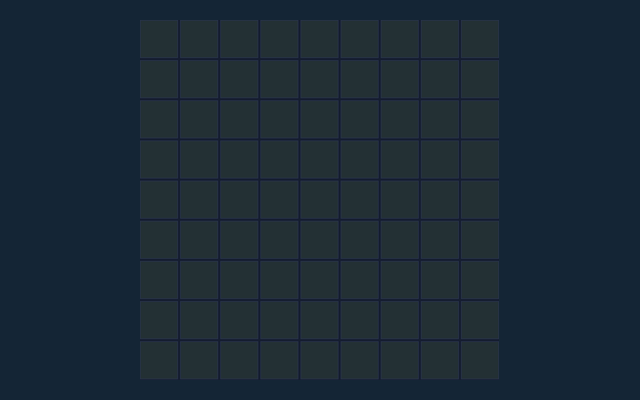
Navigate a connected ten-by-ten maze. Every maze has a route from the starting cell to the gold exit.